
Motion editing guides
Toji Motion Guides
Keyframe craft, effect workflows, performance fixes and safe install routines for Toji Motion, written from testing the editor on real phones with real projects.
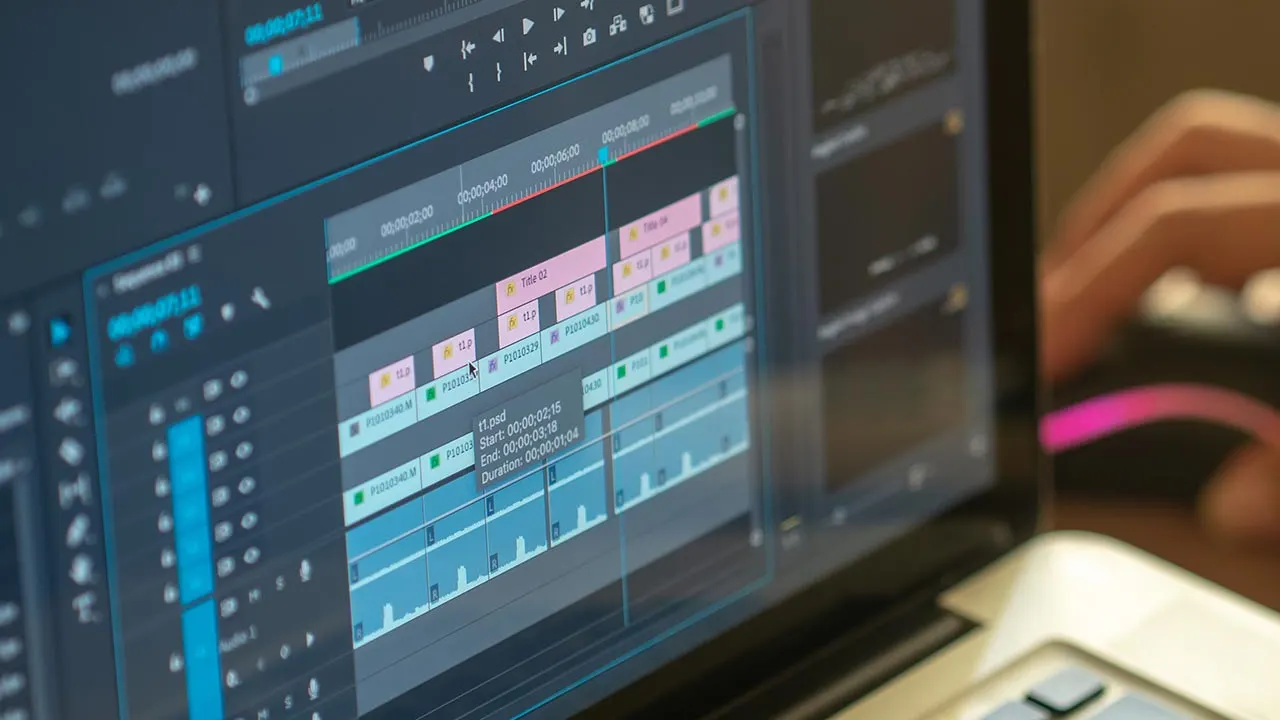 Guide Toji Motion for PC: Run the Motion Editor on a Bigger Screen Toji Motion is an Android app, so a PC runs it through an Android emulator. This guide covers the setup, the controls, and when the big screen actually helps an edit. Read guide →
 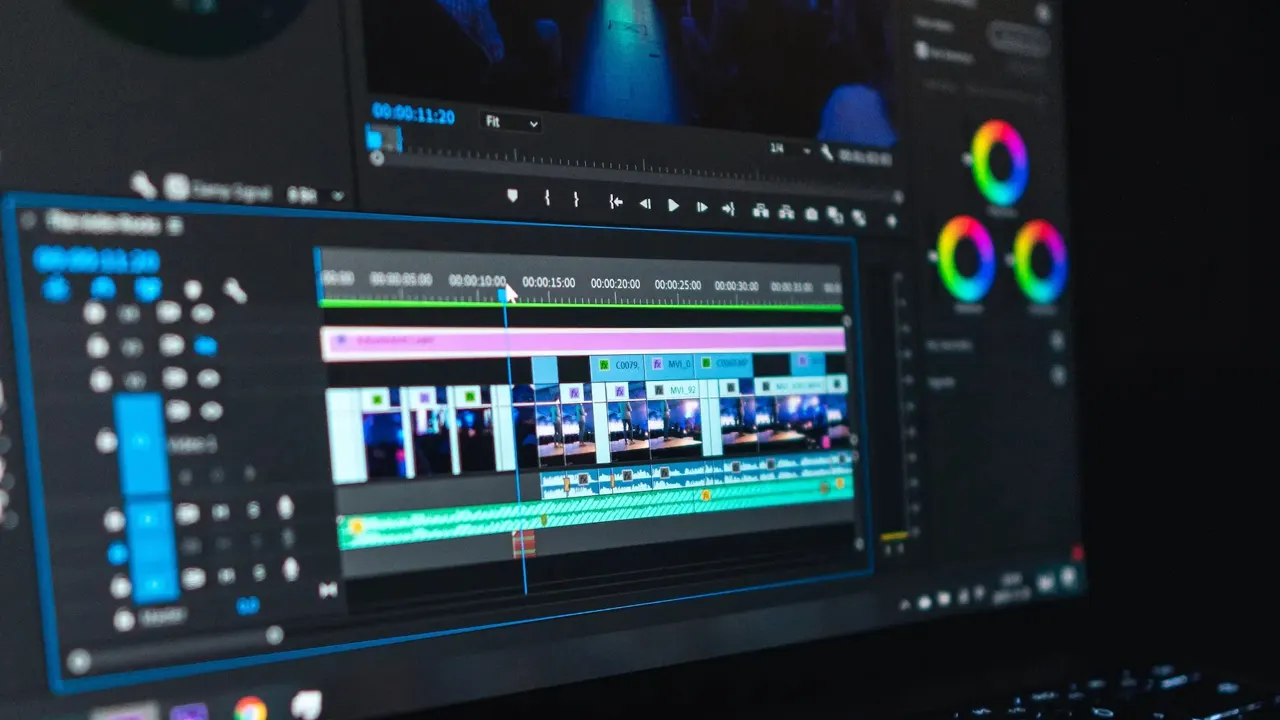 Guide Keyframes in Toji Motion: Your First Smooth Animation Keyframes are the whole craft of Toji Motion: a start state, an end state, and the motion between them. This guide sets your first pair and makes it move well. Read guide →
  Guide Toji Motion Not Working: Fixes for Crashes, Lag and Black Previews Toji Motion fails in a few repeatable ways: a conflicting build, a starved preview, a codec the phone cannot decode. Work these fixes in order before reinstalling. Read guide →
  Guide How to Make a Shake Effect in Toji Motion A good shake is timed violence: small keyframed position hits that land on the beat and stop on time. This guide builds one from an empty timeline. Read guide →
 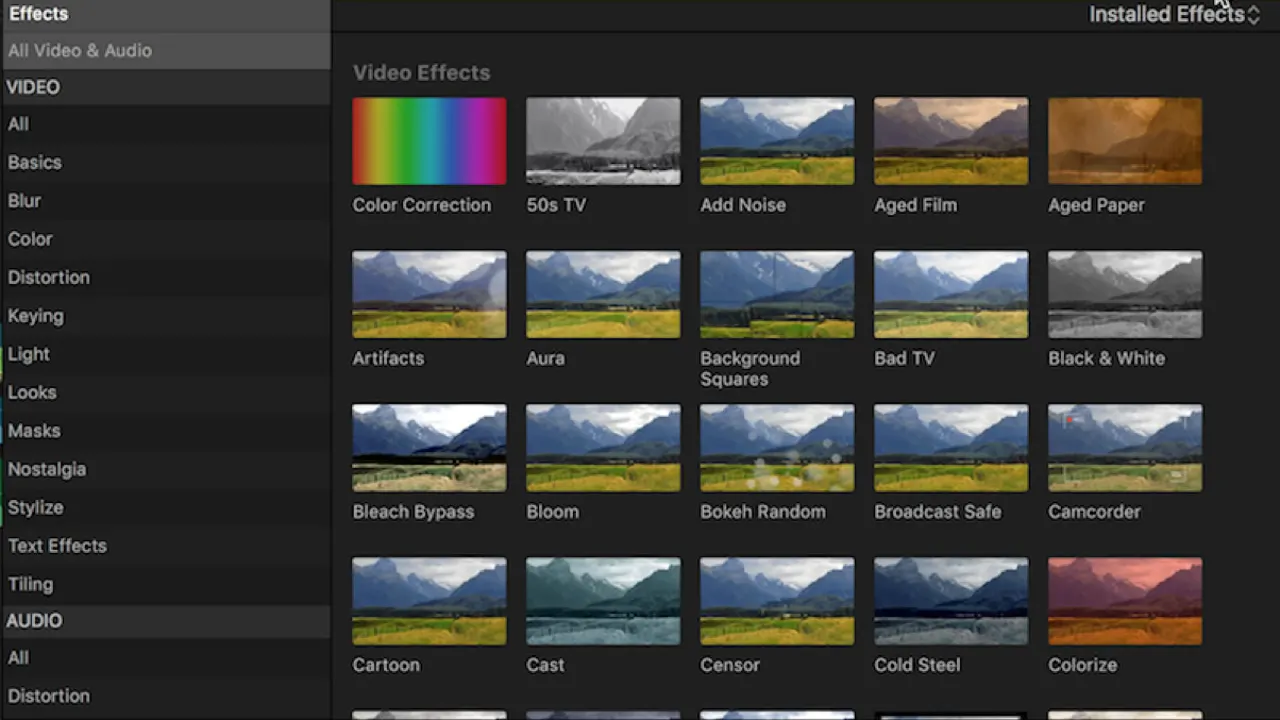 Guide Toji Motion Presets: Import, Apply and Organise Them Presets are saved motion and effect settings that turn an hour of keyframe work into one tap. This guide covers importing, applying and keeping a shelf tidy. Read guide →
  Guide Animated Text in Toji Motion: Titles That Move With the Beat Text is a layer like any other in Toji Motion, which means it can hit, drift, scatter and settle. This guide animates titles and lyrics that land on the music. Read guide →
  Guide Best Export Settings in Toji Motion for Crisp Social Videos Export is where good edits go soft. This guide picks resolution, quality and format settings in Toji Motion that survive a feed's compression. Read guide →
 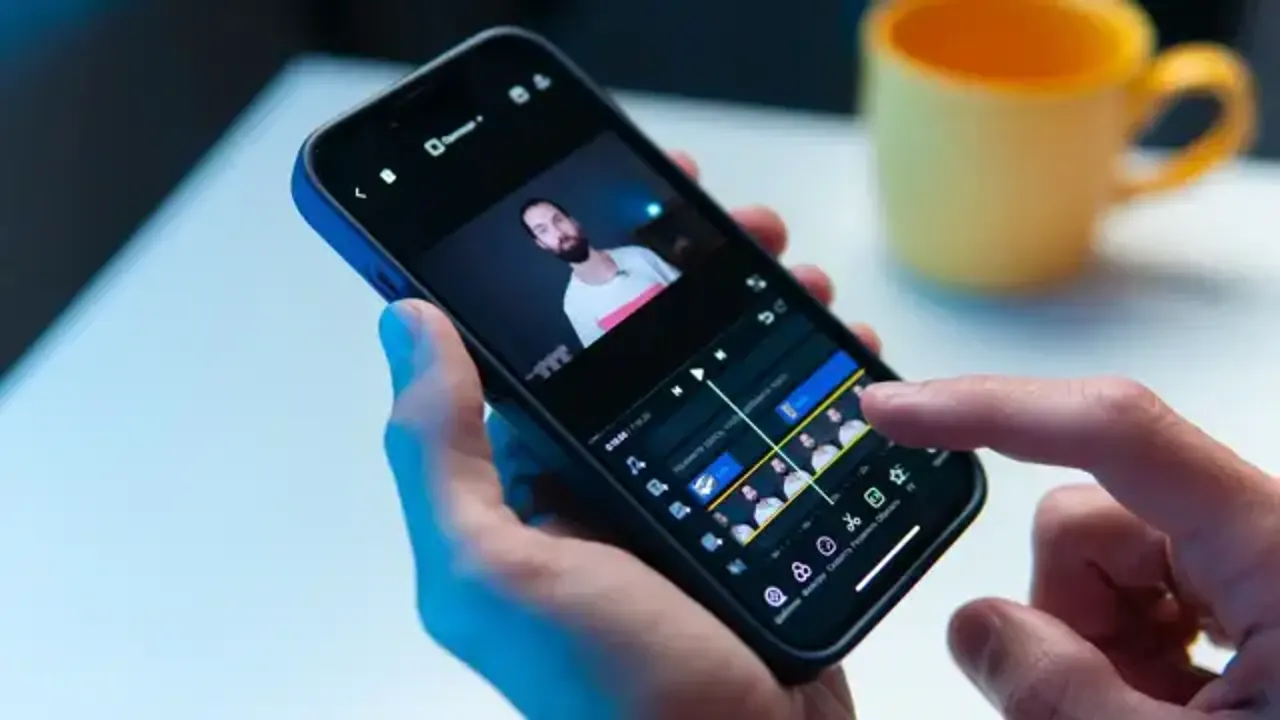 Guide Toji Motion Lag: How to Keep Heavy Projects Smooth Lag in Toji Motion is arithmetic: layers times effects times resolution. This guide cuts the cost of a project without cutting its look. Read guide →
  Guide Toji Motion Beginner Guide: Your First Edit, Start to Finish A complete first edit in Toji Motion: canvas, layers, two keyframes, one effect, one preset, one export. The shortest honest path from install to finished clip. Read guide →
  Guide Toji Motion vs Alight Motion: What Actually Differs Toji Motion grew out of the Alight Motion family of mobile motion editors. This comparison covers what that means in practice: tools, distribution and updates. Read guide →
 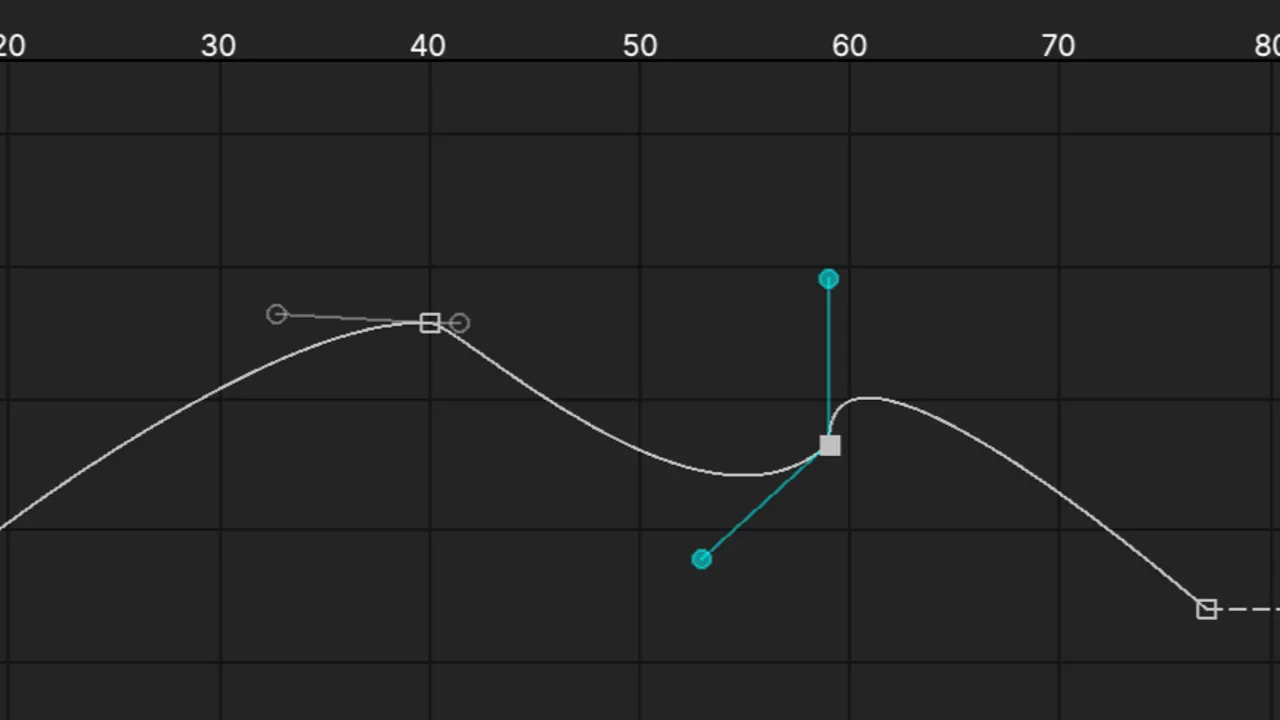 Guide The Graph Editor in Toji Motion: Easing Curves Explained The graph editor decides how motion feels: fast starts, soft landings, hard snaps. This guide reads the curve and shapes the three easings every edit needs. Read guide →
  Guide Blending Modes in Toji Motion: Glow, Lighten and Composite Tricks Blending modes decide how a layer mixes with everything beneath it. This guide covers the modes editors actually use for glow, light and texture work. Read guide →
  Guide Is Toji Motion Safe? A Straight Checklist Before You Install Toji Motion installs outside a store, so safety is a routine, not a feeling: one source, a scan, a permission read, a backup. The checklist, in order. Read guide →
  Guide Toji Motion on an Old Phone: Settings That Keep It Usable An older phone can still cut real edits in Toji Motion if the project is built to its strength. Resolution, layer discipline and render habits that work. Read guide →
  Guide How to Update Toji Motion Without Losing Projects Community builds update manually, so the backup is the update. This guide carries projects, presets and settings into a new Toji Motion build safely. Read guide →